
A practical guide for businesses facing Facebook Page location, Instagram place tag, Meta Business Suite, and unofficial check-i
Facebook and Instagram Check-In Not Working? A Practical Guide to Fixing Meta Location Issues for Your Business
2026 Jul 04 Social Media | 社群地圖
- 1. First, Understand This: A Facebook Check-In Location Is Not Always Your Official Facebook Page
- 2. Why Facebook and Instagram Check-Ins Matter for Local Businesses
- 3. Common Reasons Why Facebook or Instagram Check-In Is Not Working
- 4. How Businesses Can Check the Problem
- 5. What If Incorrect Locations Already Exist?
- 6. Facebook and Instagram Check-In Problems Are Not Just Social Media Problems
- 7. When Should You Ask for Professional Help?
- 8. How Workation Lab Can Help
- Related Articles
Many local businesses run into the same frustrating problem when managing their Facebook Page or Instagram account:
Why can’t customers check in to my business?
You may already have a Facebook Page, an Instagram account, and even a Google Maps listing. However, when customers visit your shop, restaurant, hotel, café, event venue, studio, or local business, they still cannot find your business name when trying to check in or tag the location.
In some cases, customers may even create a new location by themselves because they cannot find the official one. As a result, the same business may end up with several different place tags, unofficial Facebook locations, or duplicated check-in points.
This is not just a small social media issue. For local businesses, check-ins and location tags are part of brand visibility, customer trust, online discovery, and social proof.
This article explains the most common reasons why Facebook or Instagram check-in may not work, and how businesses can start checking the problem step by step.
1. First, Understand This: A Facebook Check-In Location Is Not Always Your Official Facebook Page
Many business owners assume that once they have a Facebook Page, customers can automatically check in to that Page.
In reality, Facebook locations may exist in two different forms:
- Your official Facebook Page
- An unofficial place or location created by users
In some cases, when you open the location on desktop, it may even show as an unofficial Facebook Page.
This means the “place” your customers see on Facebook or Instagram may not be the official Page you are managing.
That is why some businesses find that customers are checking in somewhere, but those check-ins do not appear on the official Facebook Page. In other situations, when customers search the business name, several similar locations appear, and they do not know which one is correct.
2. Why Facebook and Instagram Check-Ins Matter for Local Businesses
For restaurants, cafés, guesthouses, hotels, event venues, exhibition spaces, classrooms, studios, and local brands, check-in is more than a fun social media function. It is an important source of organic exposure.
When customers visit your business and correctly tag your location, it can help you:
- Increase organic exposure through customer posts
- Build social proof through real customer activity
- Make your Facebook Page look more active and trustworthy
- Help potential customers find your business on social platforms
- Allow your business to interact with public customer posts
- Reduce the chance of customers creating incorrect or unofficial locations
In other words, if your business has a physical location, your Facebook Page address and Meta location settings should not be treated as optional. They are part of your digital business infrastructure.
3. Common Reasons Why Facebook or Instagram Check-In Is Not Working
1. The Facebook Page Address Is Not Set Correctly
This is one of the most common reasons.
Many businesses have a Facebook Page, but only fill in the description, phone number, or website. They may not have entered a complete physical address. In some cases, the address is entered, but the red map pin is not placed at the correct business location.
This is important: entering the address is not enough. You also need to make sure the Facebook map pin is correct.
Sometimes the written address looks correct, but the map pin appears next door, across the street, or in a completely different area. When this happens, Meta may not be able to correctly recognize your business location, which can affect customer check-ins.
2. The Facebook Page Category Does Not Match a Physical Business
Some Facebook Pages use categories such as “Brand,” “Website,” “Personal Blog,” or “Product / Service,” even though the business is actually a restaurant, café, hotel, guesthouse, event venue, classroom, or physical studio.
If the Page category does not match the nature of a physical business, Meta may not prioritize it as a check-in location.
For local businesses, it is better to choose categories that are closer to the real business type, such as restaurant, café, hotel, accommodation, local business, education service, event venue, or business service.
The category does not have to be perfect, but it should be as close as possible to how customers actually experience your business.
3. The Facebook Page and Instagram Account Are Not Properly Connected
Many people think Instagram locations are managed only inside Instagram. In practice, Instagram business location information is closely related to Facebook Page data and Meta Business Suite.
If your Instagram account is not connected to the correct Facebook Page, or if it is connected to an old or wrong Page, your Instagram location may not appear correctly.
So when Instagram check-in or location tagging does not work, do not only check Instagram. You should also review your Facebook Page, Meta Business Suite, business assets, and account connection settings.
4. Customers Have Already Created an Unofficial Check-In Location
This is one of the most troublesome situations.
When customers cannot find the official Facebook Page or the correct business location, they may create a new location by themselves. These user-created locations may become unofficial Facebook Pages or unofficial place tags.
The problem is that these unofficial locations are not always easy to remove, merge, or claim back.
Once customers start checking in to the wrong location, your social media exposure becomes fragmented. Even worse, the wrong location may start collecting photos, comments, check-ins, and customer activity, making it harder for future customers to identify the correct business location.
5. Meta Syncing Delays or Platform Bugs
Sometimes, even after you have correctly set the address, category, Facebook Page, and Instagram connection, the location still does not appear immediately.
This may be caused by Meta syncing delays or platform bugs.
In this situation, do not repeatedly change your business name, address, or category. Frequent changes can make the data even more confusing.
A better approach is to organize the correct information first, make sure the setup logic is clear, wait for Meta systems to sync, and then check again. If the issue still cannot be solved, you may need to review your Meta Business Suite settings or contact Meta support.
4. How Businesses Can Check the Problem
Step 1: Search Your Check-In Location as a Regular User
Do not only test with the Facebook Page admin account. Admins may see a different interface or different search results from regular customers.
Use a normal Facebook account, create a post, click check-in, and search for your business name.
Pay attention to the following:
- Can you find the official Facebook Page?
- Does an unofficial Facebook Page appear?
- Are there multiple similar locations?
- Are customers likely to choose the wrong location?
Step 2: Check the Facebook Page Address and Red Map Pin
Go to the Facebook Page backend and check whether the business address is complete. More importantly, make sure the red map pin is placed at the actual business location.
Your address should include:
- City
- District or area
- Street name
- Lane or alley if applicable
- Building number
- Floor, room number, or space name if needed
If your business is inside a shopping mall, business park, coworking space, cultural venue, guesthouse complex, or event venue, the address needs to be especially clear. Otherwise, the map pin may point to the general entrance or an unrelated location.
Step 3: Review Your Facebook Page Category
Your Facebook Page category affects how Meta understands your business.
If you operate a physical business, avoid using only abstract categories. Restaurants should choose food-related categories. Hotels and guesthouses should choose accommodation-related categories. Classrooms should choose education or business service categories. Event spaces should choose event venue or local business categories.
Step 4: Check the Facebook and Instagram Connection
Go to Meta Business Suite or Instagram professional account settings and confirm whether your Instagram account is connected to the correct Facebook Page.
Many businesses do not have a “missing Page” problem. Instead, the issue is that Instagram is connected to the wrong Facebook Page, or there are too many assets inside Meta Business Suite, making the location and business information difficult to manage correctly.
5. What If Incorrect Locations Already Exist?
If your business already has multiple check-in locations, do not rush to change everything immediately.
First, list all related locations, including:
- The official Facebook Page
- Unofficial locations
- Old locations or old business names
- Duplicated place tags
- User-created locations
Then decide which location should become the official location customers use going forward.
If an incorrect location has already collected many check-ins, photos, and customer interactions, it may be difficult to remove completely. A more practical approach is to properly set up the official Facebook Page and correct location, then guide customers to check in at the correct place through posts, stories, in-store signs, QR codes, and staff reminders.
6. Facebook and Instagram Check-In Problems Are Not Just Social Media Problems
Many people think check-in issues are just small Facebook or Instagram bugs. In reality, these problems often reveal a bigger issue:
Your brand information is not clearly organized across digital platforms.
Today, your business does not only exist in a physical location. It also exists across Facebook, Instagram, Google Maps, your official website, booking systems, delivery platforms, event platforms, and search results.
If your business name, address, phone number, category, and brand information are inconsistent across platforms, customers may choose the wrong location, and platforms may also have difficulty identifying your business correctly.
Fixing Facebook and Instagram check-in issues is not only about helping customers tag your location. It is about making your business more findable, trustworthy, and shareable online.
7. When Should You Ask for Professional Help?
If the issue is only caused by a customer’s phone location permission, you may be able to fix it easily.
However, if you encounter the following situations, it may be better to ask someone with experience to review the setup:
- Facebook can find the location, but Instagram cannot
- Instagram shows an old address instead of the current one
- Your Facebook Page and check-in location are not the same page
- Several duplicated locations appear when searching the business name
- Customers keep checking in to the wrong location
- Google Maps is correct, but Meta platforms cannot find the location
- Facebook Page, Instagram, and Meta Business Suite permissions are confusing
- Your company has multiple branches and needs a better location structure
- Your company name, brand name, and store name are different, causing platform recognition issues
These problems usually cannot be solved by pressing one button. They require a structured review of the Facebook Page, Instagram professional account, Meta Business Suite, Google Maps, business address, location name, and account permissions.
8. How Workation Lab Can Help
Workation Lab helps SMEs, local businesses, physical stores, local brands, event organizers, and entrepreneurs with social media operations, digital marketing, website content, brand visibility, and online tool integration.
If your Facebook or Instagram check-in is not working, or if your business already has incorrect locations, unofficial Facebook Pages, missing Instagram locations, or confusing Meta Business Suite settings, you can book an online consultation with Workation Lab.
We can help you review:
- Facebook Page address settings
- Whether the map pin is placed correctly
- Whether the Facebook Page category is suitable
- Whether Instagram is connected to the correct Facebook Page
- Meta Business Suite permissions and asset structure
- Whether Google Maps and social platform information are consistent
- Whether unofficial locations or incorrect check-in points exist
- How to guide customers to check in at the correct location
If your Facebook or Instagram check-in location is not working, you are welcome to book an online consultation with Workation Lab. We can help you identify the real issue and create a practical action plan to improve your business location visibility across Meta platforms.
Related Articles
If you want to learn more about Facebook Page settings, social media location management, and Instagram content operations, you may also find these articles useful:
- Facebook Page Check-In Not Working? A Practical Guide to Fix the Problem
- Why Incorrect Facebook Check-In Settings Can Cause Customers to Tag the Wrong Location
- When Customers Create the Wrong Check-In Location: What Businesses Should Know
- Meta Customer Support 2026: AI-First Support Flow, Appeals, and Account Recovery
- Instagram Post, Stories, and Reels Size Guide
.jpg)
相關文章

2023【台北】Hour Jungle Taipei 創業職能培訓營
【Hour Jungle 台北信義安和館】創業職能培訓營,為尊貴的會員們度身打造!現在,我們為您帶來這個難得的機會!創業職能培訓營將帶領您踏上創業職能之旅,深入探索創業的核心知識和技能。我們邀請了業界頂尖的專家和成功創業者,為您提供專業的指導和實戰經驗分享。課程內容豐富多元,您將學習到如何找到創業的商機、建立有效的市場定位、制定可行的商業模式,以及有效管理資金和人力資源。不僅是知識的傳授,更是一個與志同道合的會員們共同學習和交流的平台。在這裡,您將有機會結識來自各行各業的創業者,建立寶貴的人脈關係,共同成長和分享成功的喜悅。無論您是初出茅廬的創業新手還是有一定經驗的企業家,這個營隊都將為您提供實用而寶貴的創業資源和指導。別再等待,立即報名!
- 2023 May 20
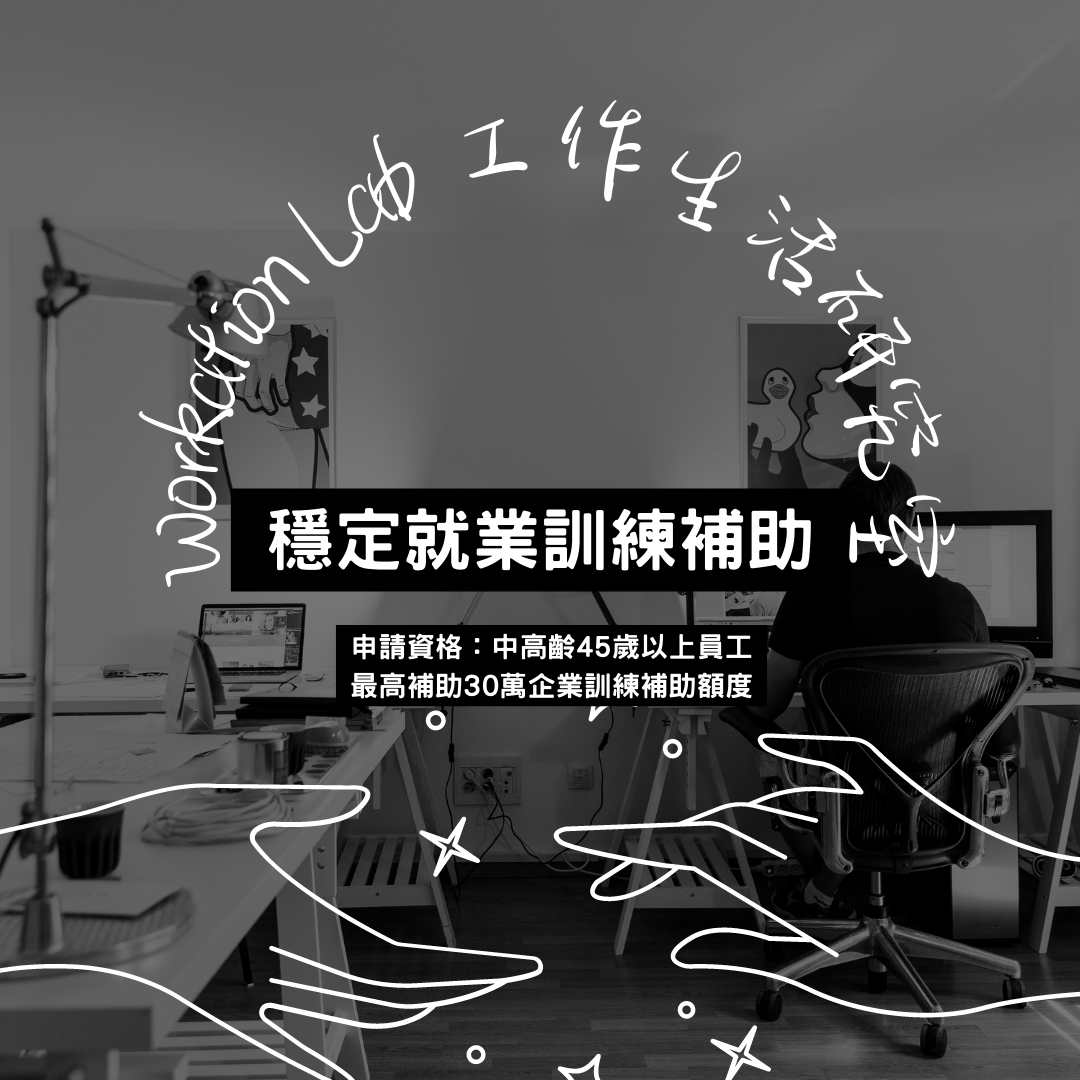
政府專案 | 在職中高齡者及高齡者穩定就業訓練補助實施計畫 (勞動部)
計畫目的:為支持中高齡者退休後再就業,落實退休中高齡者及高齡者再就業補助辦法第3條及第9條有關職業訓練之協助措施。鼓勵雇主指派其所僱用之中高齡者勞工參訓,並補助其70%的訓練費用,以支持中高齡者勞工退休再就業。
- 2023 May 27
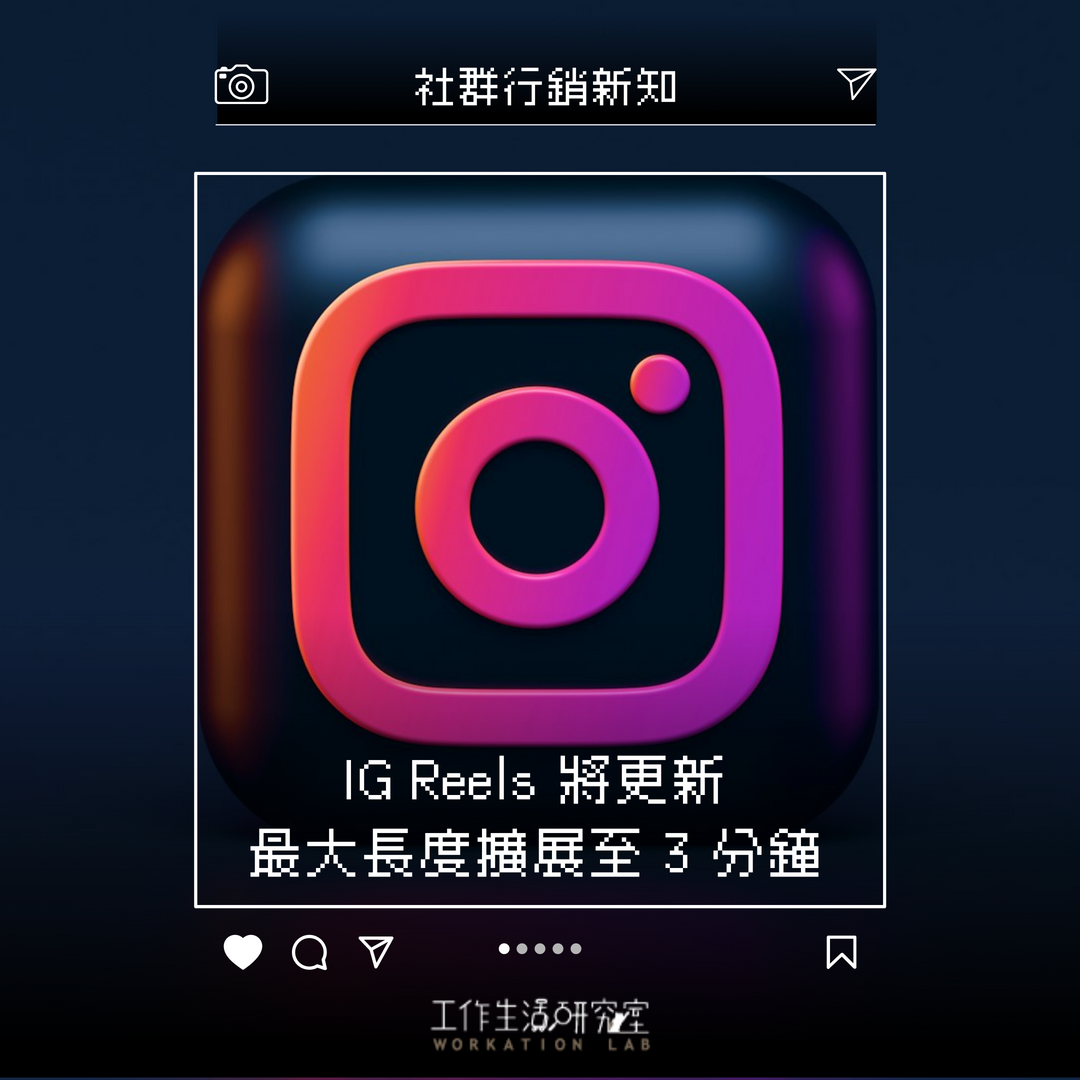
【社群新知】Instagram Reels 3分鐘新時代來臨!
Instagram Reels 長度升級至3分鐘,創作者享有更多彈性。Instagram 宣布一項重大更新:Reels 的最大長度從90秒延長至3分鐘。這項改變是為了回應創作者們的需求,讓他們有更多空間來講述更完整的故事。
- 2025 Jan 23

3/10【線上】馬來西亞創業小聚:書店如何成為地方創生的引擎
您是否曾想過,一間小小的書店,竟能成為重振地方經濟、活絡社區文化的關鍵引擎?在這個數位時代,實體書店面臨前所未有的挑戰。世界各地的成功案例證明,書店不僅僅是販售書籍的場所,更是連結人與人、傳遞知識與文化的樞紐。這次的創業小聚,我們將深入探討書店如何透過創新經營模式,成為地方創生的推動力量。我們邀請了馬來西亞在地的書店經營者,分享他們如何將書店打造成社區的第三空間,提供居民一個舒適的休憩場所,同時舉辦各種文化活動,促進地方的交流與發展。
- 2025 Jan 28

【社群新知】AI人工智慧浪潮來襲!社群行銷的未來式:五大關鍵趨勢解讀!
AI 人工智慧正以驚人的速度改變著社群媒體的格局。本文深入剖析 AI 對社群行銷帶來的五大關鍵影響,從 AI 角色的整合、假訊息的挑戰、創作的民主化,到 AI 代理人的崛起和廣告效果的提升,幫助社群小編和企業行銷人員掌握未來趨勢,制定更有效的行銷策略。
- 2025 Feb 02
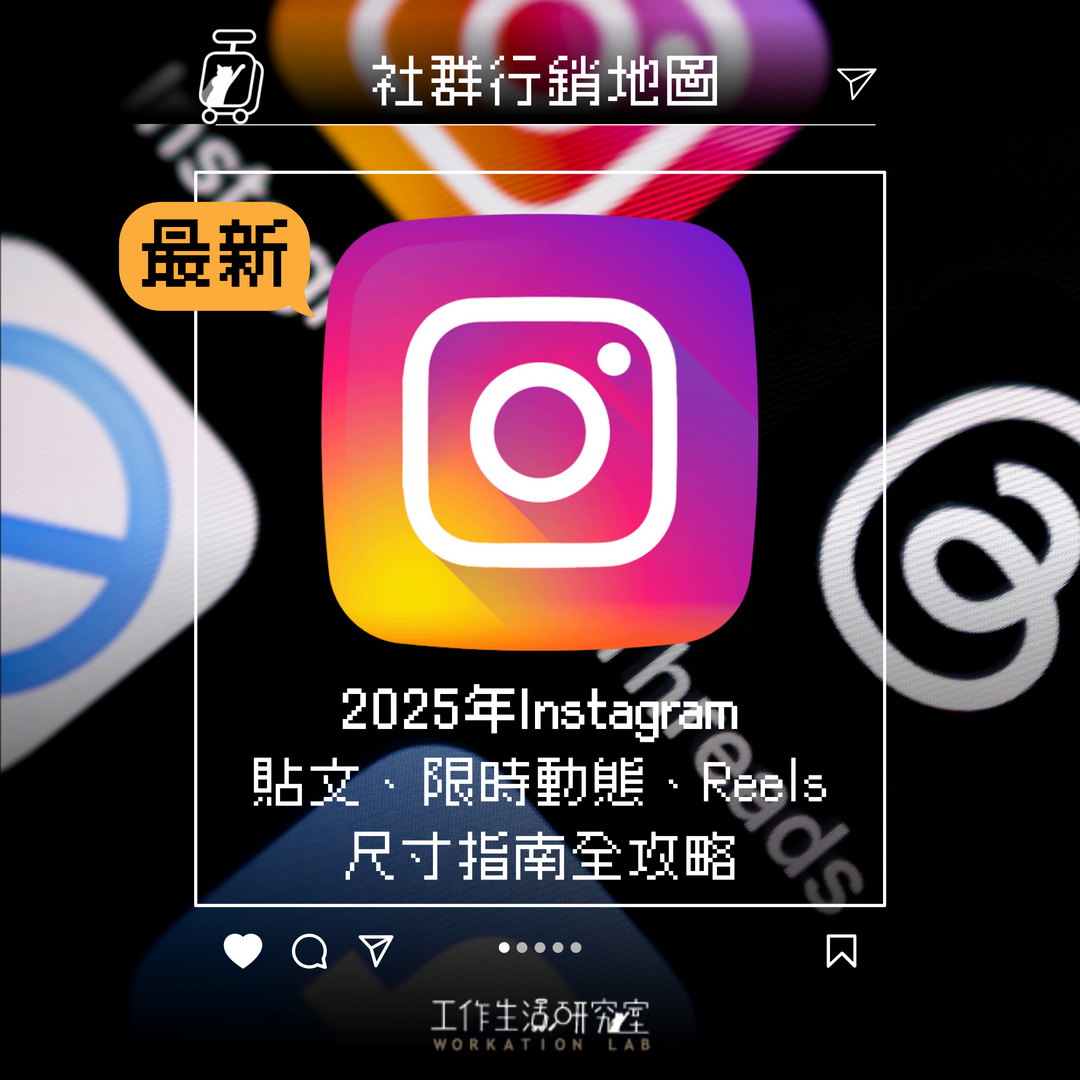
【社群地圖】2025年Instagram 貼文、限時動態、Reels 尺寸指南全攻略!
2025年Instagram 已發布了一份新的版面更新訊息,以幫助用戶更好地理解並遵循這些尺寸要求。這篇文章對於社群小編來說很重要資訊,包含了動態貼文、限時動態和 Reels 短影片 的尺寸圖表更新。為了在 Instagram 上盡可能地展示自己,需要遵循 Instagram 的圖片大小和顯示指南。
- 2025 Feb 03
